





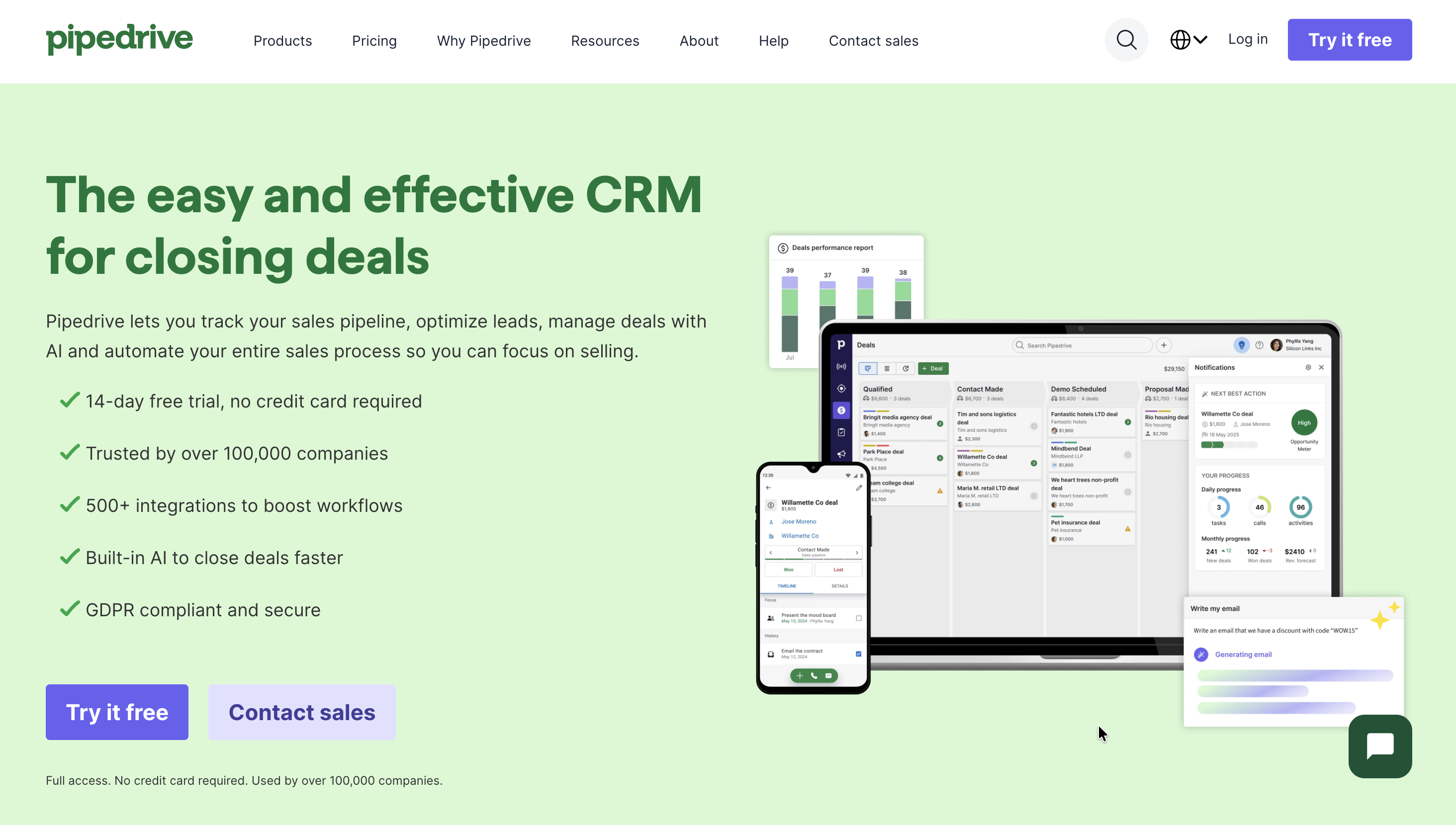
Pipedrive is a customer relationship management (CRM) platform built to help sales and go-to-market teams track leads, manage deals, and forecast revenue in a visual, pipeline-based interface. It focuses on giving reps and founders a clear view of what needs attention today, rather than burying everything in complex configuration screens.
What Problems Does Pipedrive Solve?
Pipedrive is designed to solve a few common problems that show up once you outgrow spreadsheets or ad-hoc tools for sales:
- Deals are slipping through the cracks because there is no single, shared pipeline view for the team.
- Lack of visibility into expected revenue, win rates, and sales performance over time.
- Manual, repetitive admin work like updating deal stages, scheduling follow-ups, and logging activities.
By centralizing contacts, deals, activities, and communication in one place, Pipedrive helps teams prioritize the right opportunities and build a more predictable pipeline.
Who Should Use Pipedrive?
Pipedrive fits small to mid-sized teams that want structure around their sales process without the overhead of a heavyweight enterprise CRM. It works well for:
- Founders or small teams needing a straightforward, visual pipeline to manage new business.
- Sales teams in B2B or B2C that rely on outbound, inbound, or partner-led deals and want to track stages clearly.
- Agencies, consultancies, and service businesses that manage a steady flow of leads, proposals, and renewals.
Because the interface stays relatively simple, it is also suitable for teams where not everyone is “CRM-native” and adoption is a concern.
What Can Pipedrive Be Used For?
At the core, Pipedrive is used for managing deals from first contact through to closed-won or closed-lost. Beyond that primary use, teams also use it for:
- Lead management: capturing inbound leads, qualifying them, and assigning them to the right owner.
- Activity management: scheduling calls, meetings, and follow-ups linked directly to deals and contacts.
- Reporting: tracking revenue, conversion rates by stage, and individual or team performance.
With marketplace integrations, Pipedrive can also sit at the center of a broader stack for email marketing, calling, proposals, billing, and more.
How To Use Pipedrive?
The basic workflow in Pipedrive follows a few simple steps:
- Set up a pipeline
- Go to the pipeline view under deals and click the pencil icon next to the pipeline name to open pipeline settings.

- Rename by simply editing text, add a new stage by using the + new stage button to the right of your pipeline stages, or remove stages using the Delete Stage option at the bottom of the stage list.
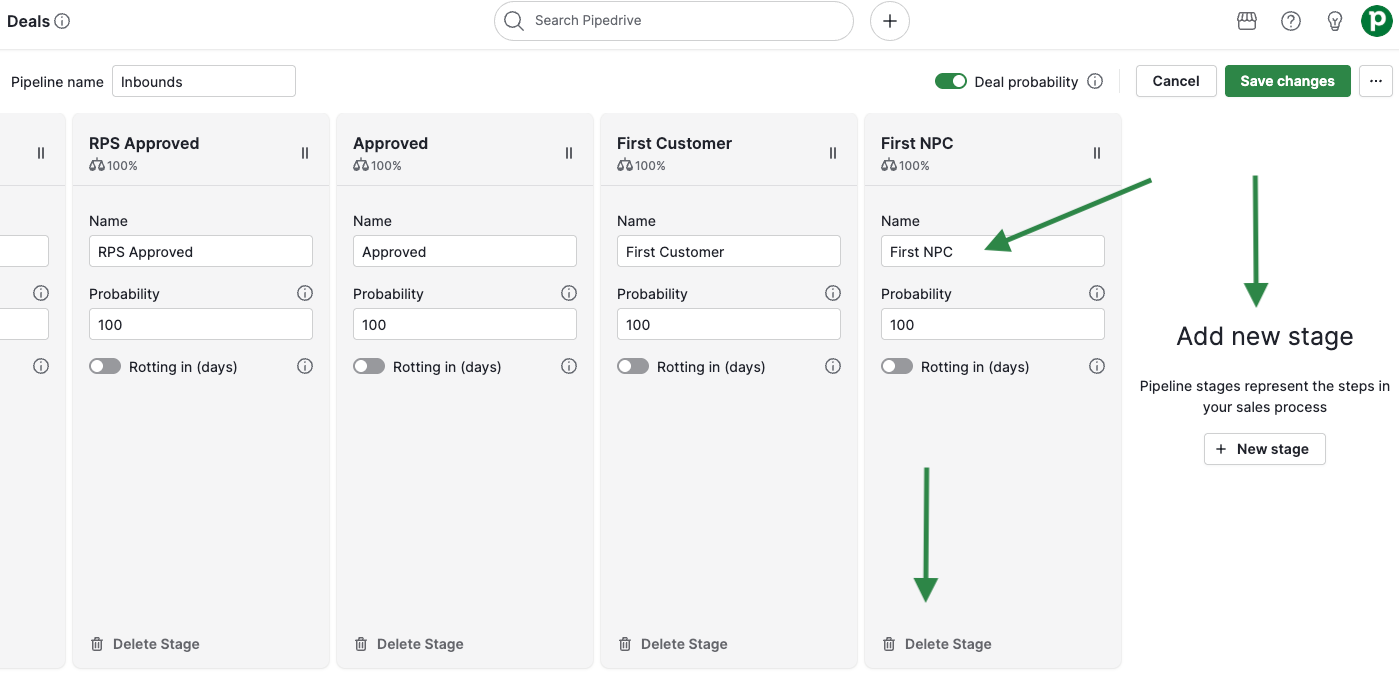
- Give each stage a clear name and, optionally, a probability and “rotting” setting indicating how long a deal can sit before it’s considered stale.
- Add deals and contacts
- Navigate to Contacts/People to create organizations and people records, then attach deals to them so every opportunity has clear context.
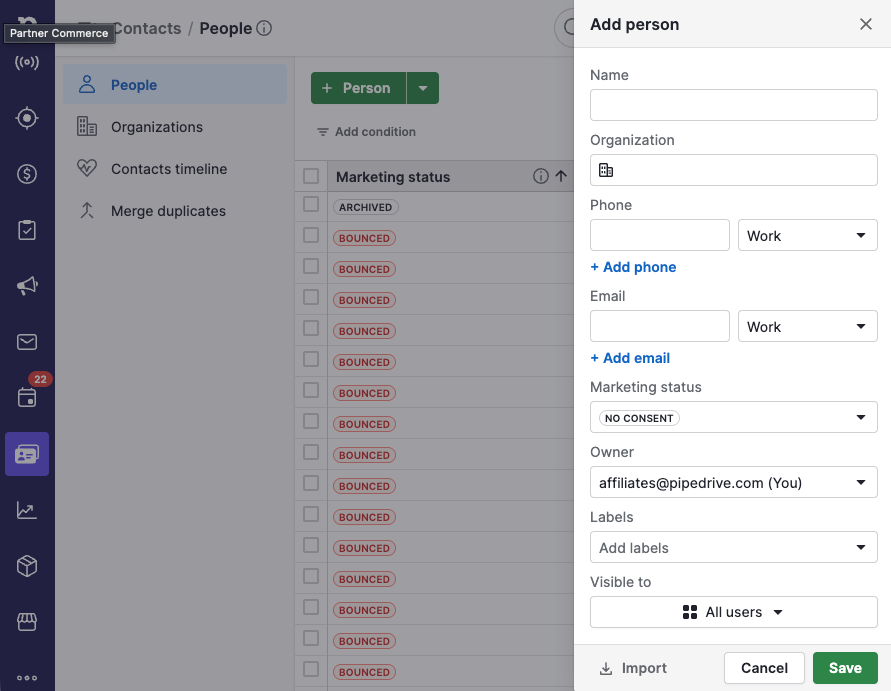
- Import existing data from spreadsheets or other CRMs using the import tools to avoid manual entry.
- Track activities and communication
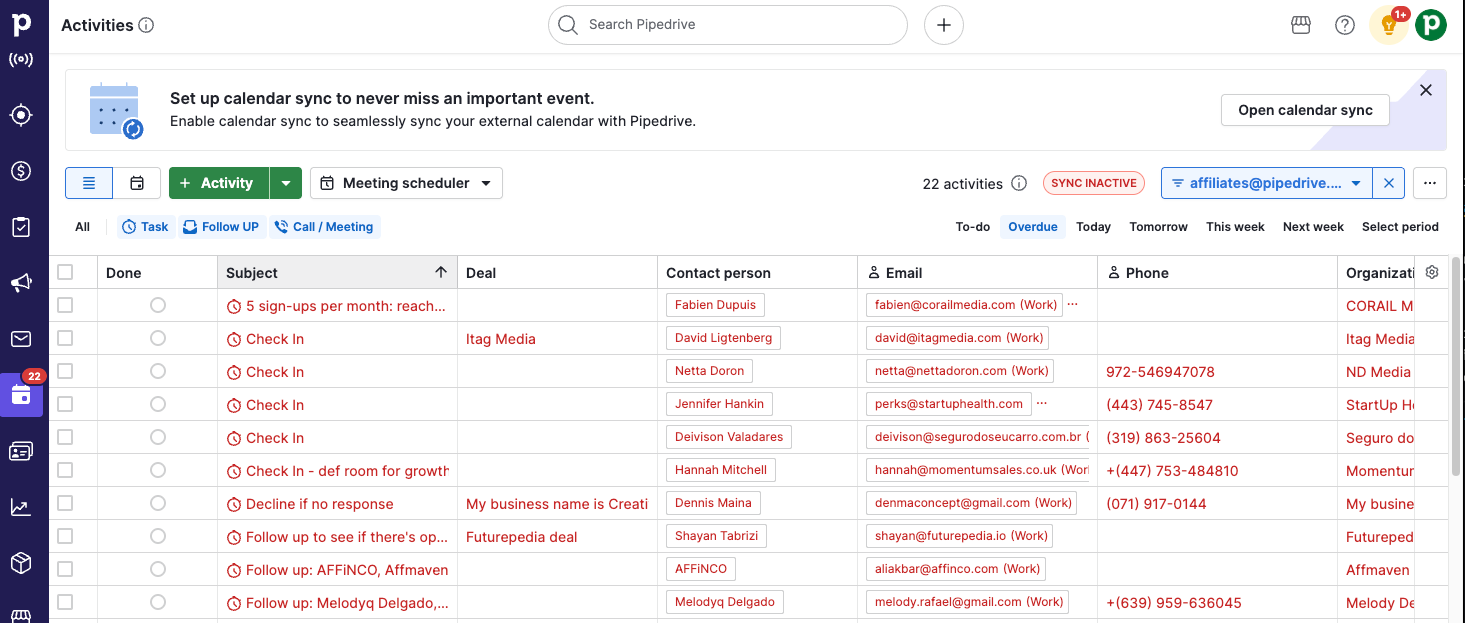
- Log and schedule calls, emails, and meetings from the deal view so each deal has a timeline of interactions.
- Use email sync (available on higher tiers) to send and track emails directly from Pipedrive while keeping your usual email client in sync.
- Automate routine steps
- On the plans that support it, set up workflow automations to create activities or move deals when certain conditions are met.
- Monitor performance
- Use dashboards and reports to track pipeline value, expected revenue, and key metrics like conversion by stage.
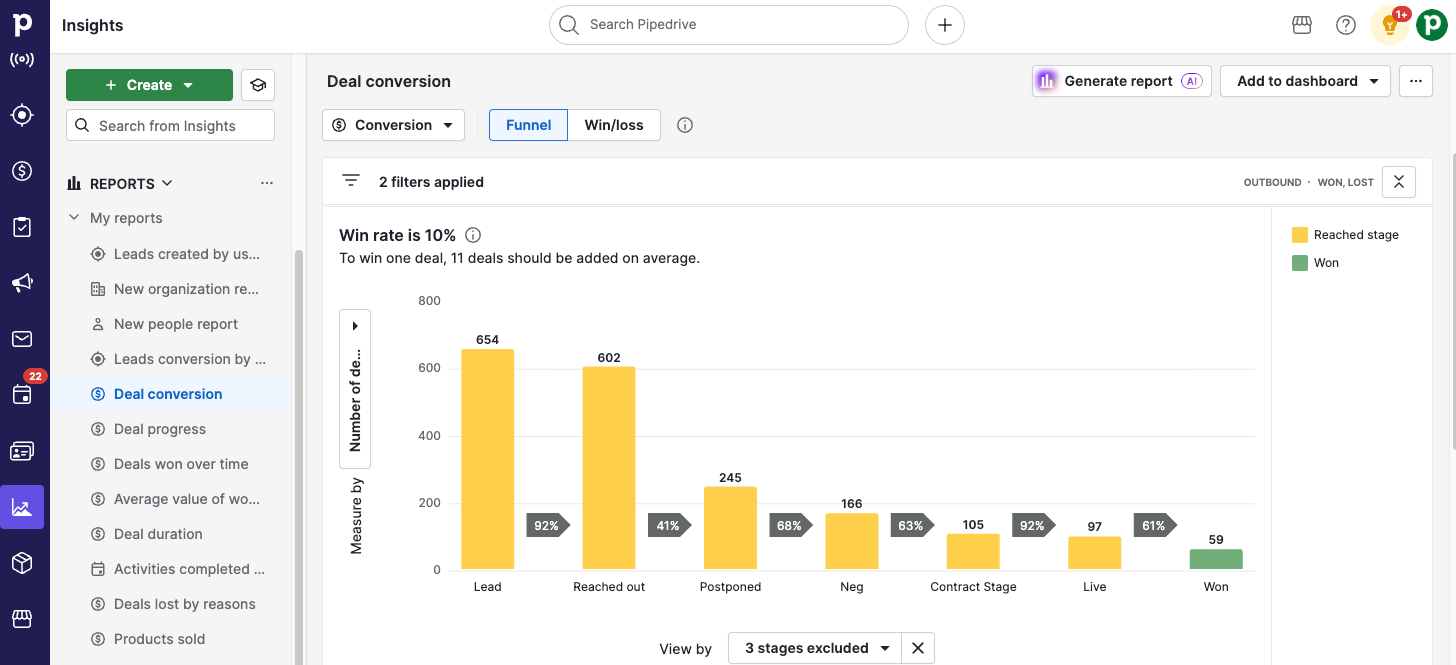
What Are the Key Features and Benefits Of Pipedrive?
Some of the most relevant features and benefits include:
- Visual pipelines and customizable stages Pipedrive’s kanban-style board makes it easy to see exactly where each deal sits and what is blocked. Pipelines and stages can be customized to match your own sales process, including probabilities and stage-level settings.
- Activity and calendar managementUsers can schedule calls, tasks, and meetings directly in Pipedrive and tie them to deals or contacts, reducing the risk of missing follow-ups. Calendar views and activity lists give a clear picture of what needs attention each day.
To read the rest of this article CLICK HERE








Leave a Reply