





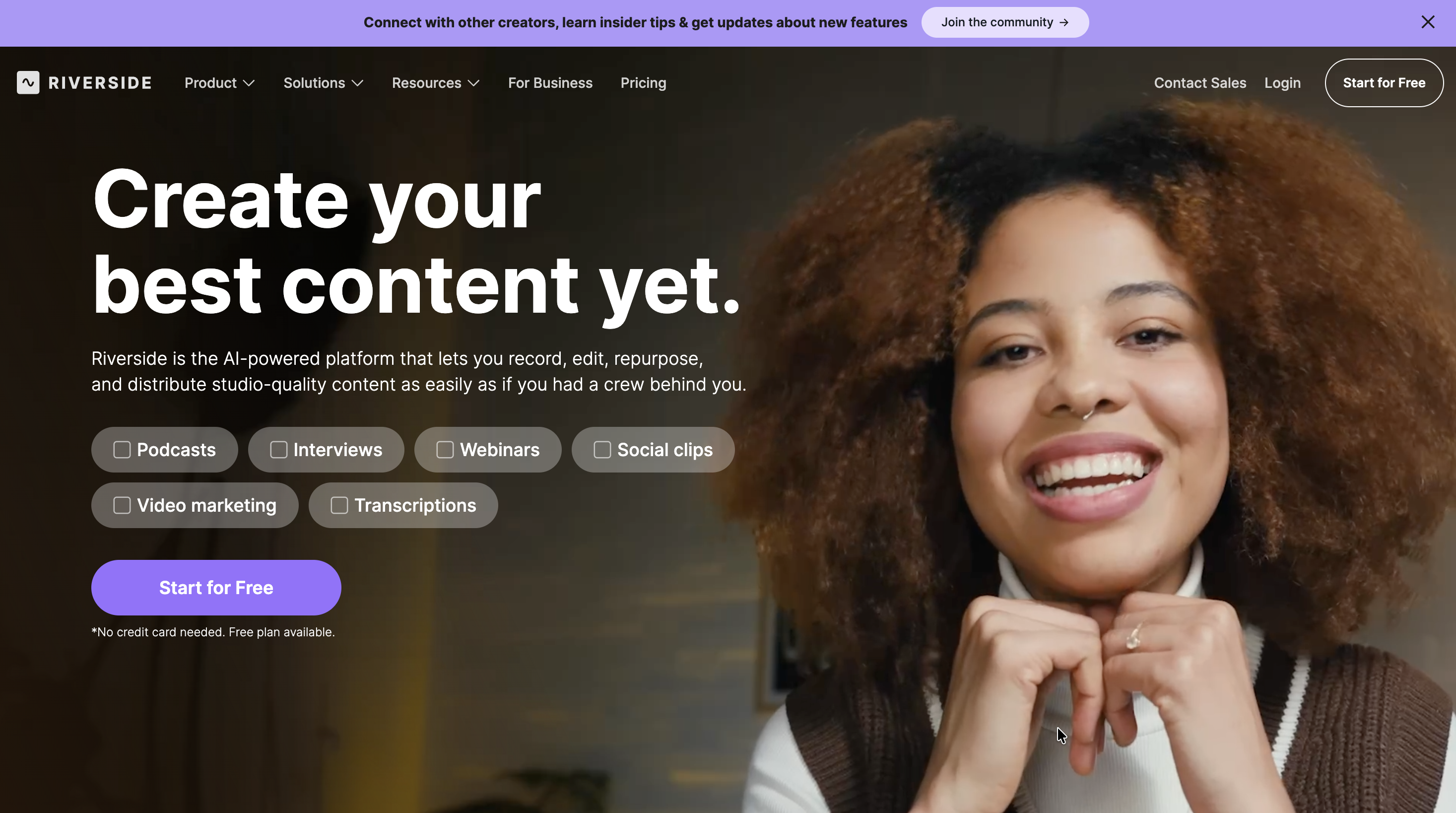
Riverside is an all-in-one platform used by creators, podcasters, and businesses to record, edit, and stream high-quality video and audio content remotely, ideal for interviews, webinars, podcasts, and marketing videos, by capturing local recordings for studio quality and using AI tools for easy editing and repurposing.
Riverside is a browser-based virtual studio. It records high-quality video and audio directly on each person’s device. Because it captures the recording at the source, the final result stays clear and professional. This works even if someone’s internet connection drops during the session.
Beyond recording, Riverside acts as an AI-powered production assistant. It automates the technical heavy lifting by processing audio, generating transcripts, and creating marketing assets, allowing businesses to produce studio-grade content without the need for a traditional crew or hardware.
Start Your FREE Trial - CLICK HERE!
What Problems Does Riverside Solve?
Riverside acts as a bridge between professional studio needs and the reality of remote work. Specifically, it addresses several critical pain points:
- The "Unreliable Internet" Problem: By recording locally on each device, Riverside ensures that "glitchy" video or audio lag from a bad connection never makes it into your final product.
- The Content Repurposing Bottleneck: Traditionally, turning a long meeting or interview into social media clips took hours of manual labor. Riverside’s AI automates this, reducing the time from hours to seconds.
- The Need for Expensive Post-Production: It eliminates the need for a dedicated video editor for basic tasks like cleaning up audio, syncing tracks, or removing silence.
- Technical Friction: It allows non-technical team members to produce high-end media content with minimal training, removing the barrier of complex software.
Who Should Use Riverside?
Riverside is built for any business or individual who needs to communicate through video or audio at a high level.
- Marketing Teams: To create video ads, customer testimonials, and social media clips without hiring a full production house.
- Internal Communications: For executives to record high-fidelity company updates or training sessions that feel more engaging than a standard Zoom recording.
- Podcasters and Broadcasters: For those who need studio-quality sound (48kHz uncompressed) and 48K video for remote interviews.
- Webinar Hosts: For companies running live events that need to be streamed to multiple platforms simultaneously while capturing lead data.
- Content Creators: For anyone looking to repurpose long-form videos into short, viral-ready snippets for TikTok, Reels, or LinkedIn.
What Can Riverside be Used For?
The platform is versatile enough to handle various media workflows:
- Professional Podcasts: Record multiple people on separate tracks, making it easy to edit individual voices later.
- Corporate Webinars: Host live sessions with Q&As and audience call-ins, then sync lead data directly to CRM tools like HubSpot.
- Social Media Content Engines: Take one 30-minute interview and instantly generate dozens of "Magic Clips" optimized for different social platforms.
- Global Dubbing: Translate a presentation into over 30 languages using AI, allowing a single recording to reach a global audience.
- B-Roll Generation: Use text prompts to generate supplementary video footage that fills in visual gaps during a recording.
Start Your FREE Trial - CLICK HERE!
How Should You Use Riverside?
If you are new to professional recording, think of Riverside as your remote production crew. Here is a step-by-step manual to get you started:
Step 1: Create Your Account
Visit the website and click "Start for Free." You can sign up using your email or a Google account.
Step 2: Set Up Your Studio
Click the "+ Create New" button in your dashboard. Give your studio a name (e.g., "Monthly Marketing Update") and select "Audio & Video."
Read the remainder of the article - CLICK HERE






Leave a Reply