





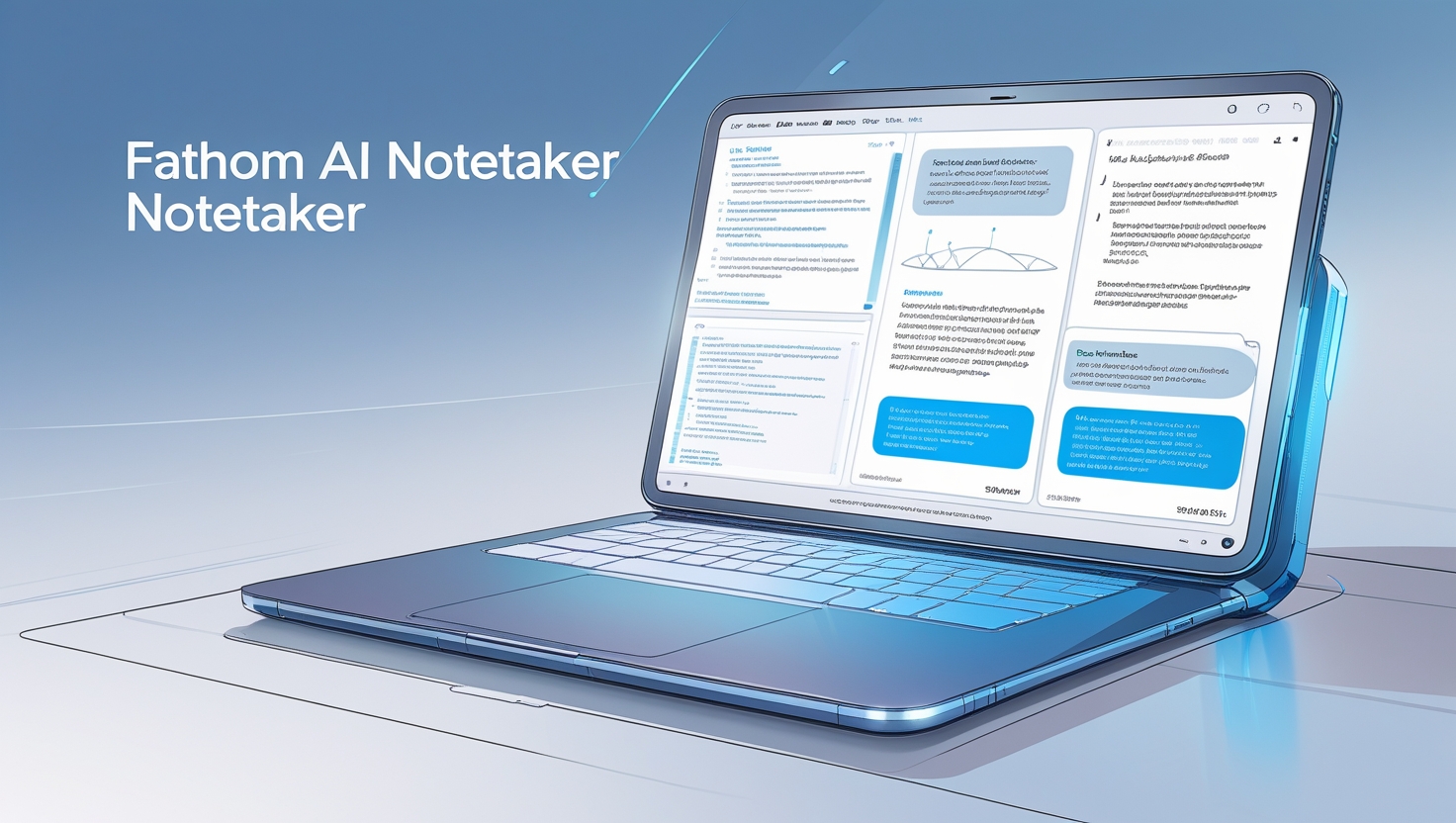
Who Should Use Fathom AI Note Taker?
Fathom is beneficial for a variety of users, particularly those engaged in frequent online meetings, lectures, or collaborative discussions. Here are the primary groups who should consider using Fathom:
1. Professionals
- Business Meetings: Individuals who attend numerous virtual meetings can utilize Fathom to automatically transcribe discussions, capture key points, and summarize action items, allowing them to focus on the conversation rather than note-taking.
- Project Managers: Those managing teams can benefit from Fathom's ability to generate actionable insights and share important video snippets with team members, enhancing communication and collaboration.
2. Students
- Lectures and Classes: Students can use Fathom to record and transcribe lectures, making it easier to review material later without the pressure of taking manual notes during class. This is especially helpful for those with disabilities who may struggle with traditional note-taking methods.
3. Researchers
- Interviews and Focus Groups: Researchers conducting interviews or focus groups can leverage Fathom to ensure accurate documentation of discussions, which aids in analysis and reporting.
4. Content Creators
- Podcasters and Streamers: Content creators can use Fathom to capture highlights from their recordings, making it easier to create promotional clips or summaries for their audience.
5. Teams Working Remotely
- Collaboration: Teams that rely on remote communication tools like Zoom or Google Meet can enhance their productivity by using Fathom to keep track of discussions and decisions made during meetings
What Can Fathom AI Note Taker be Used For?
Fathom is a versatile tool designed to enhance productivity during meetings, lectures, and discussions. Here are some of its primary uses:
- Meeting Transcription: Fathom automatically transcribes spoken content during virtual meetings on platforms like Zoom and Google Meet. This feature allows users to focus on the conversation without the distraction of manual note-taking.
- Key Point Identification: The AI analyzes discussions in real-time to identify and highlight key takeaways, decisions, and action items. This ensures that important information is captured efficiently, making it easier for users to follow up on critical points later.
- Summarization: Fathom generates concise summaries of meetings, which can be shared with team members or used for personal reference. This feature helps streamline communication and ensures that everyone is aligned on the outcomes of discussions.
- Searchable Transcripts: Users can access searchable transcripts of past meetings, allowing them to quickly locate specific quotes or details without sifting through extensive notes.
- Video Snippets Sharing: Fathom enables users to create and share short video clips of significant moments from meetings, complete with captions. This functionality enhances collaboration by providing clear context for shared information.
- Integration with Other Tools: The tool integrates effortlessly with various applications, such as CRM systems through Zapier, enabling smooth updates and improved workflow management.
Read the rest of the article - CLICK HERE







Leave a Reply